Pipedrive's referral program
If you know another company or business that could benefit from a more organized sales process, you can recommend Pipedrive through Pipedrive’s referral program.
When someone signs up using your referral link, they get an extended 30-day trial to explore Pipedrive, and you may be eligible to earn rewards if they become a paying subscriber.
How to refer someone to Pipedrive
To invite others to try Pipedrive, open the account menu in the top-right corner and select “Referral program“.
Choose one of the following options to share your referral link:
Direct link
Copy your referral link from the top of the referral program page and share it anywhere you like, such as in a message or document.
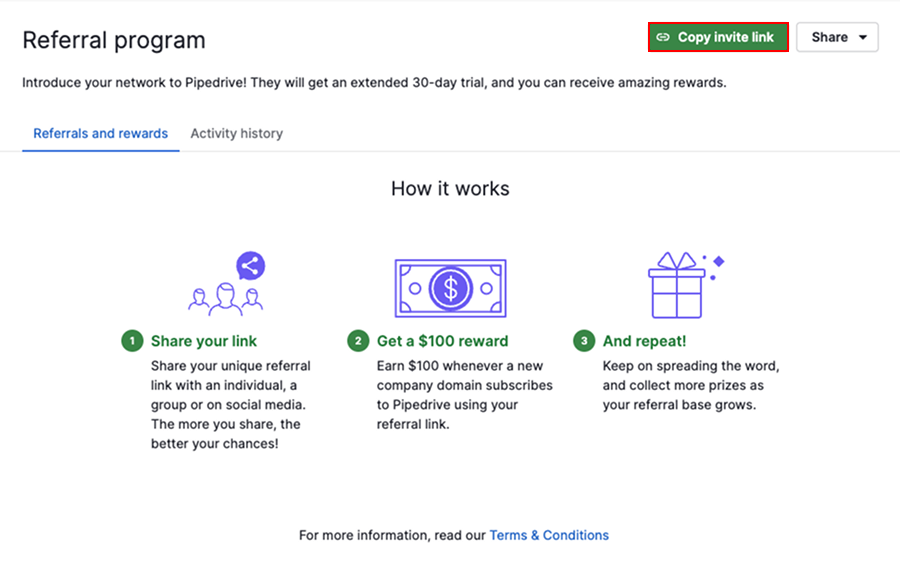
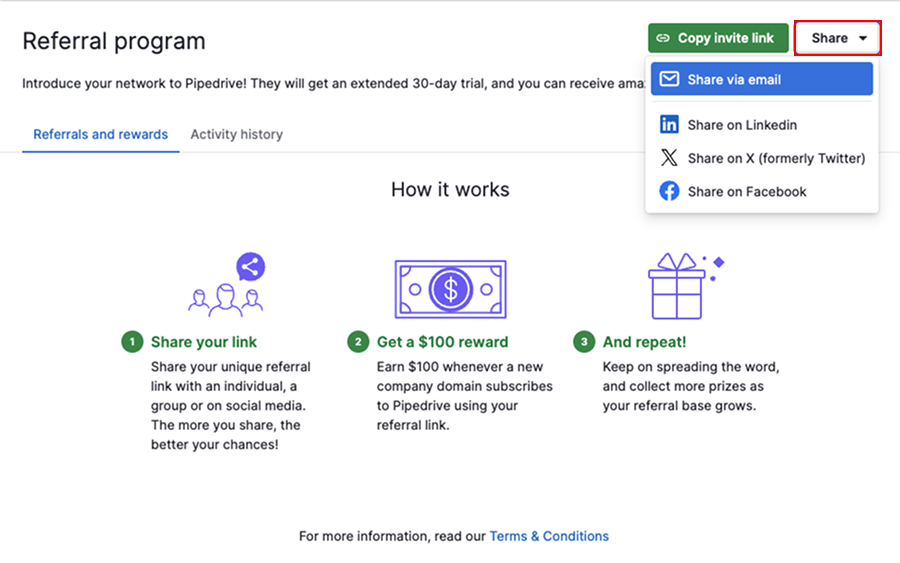
Click “Share” and select “Share via email”.
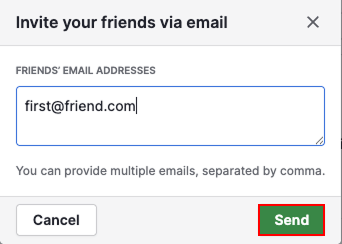
Enter one or more email addresses and click “Send”.
Social media
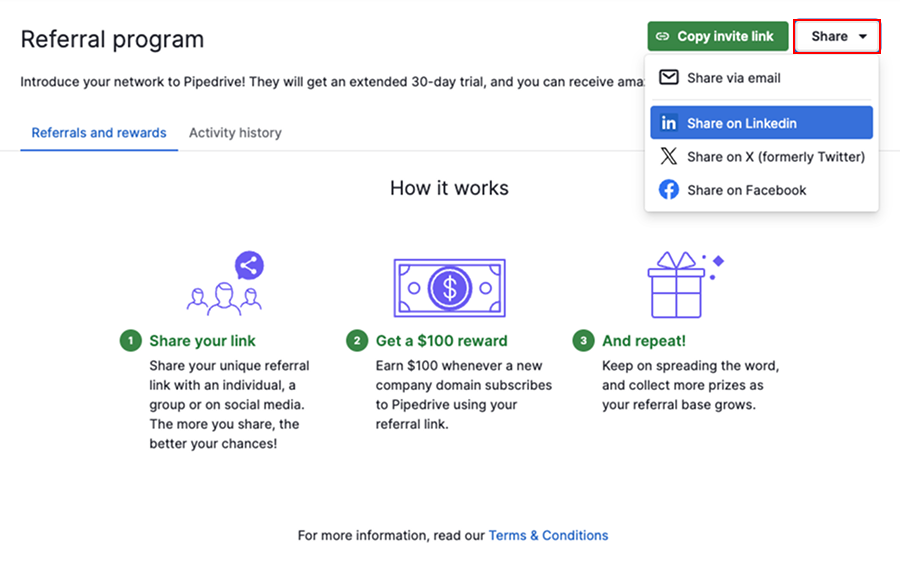
Click “Share” and choose to send an invite via LinkedIn, X, or Facebook. A new tab opens with a pre-filled message that includes your referral link.
What happens after you send an invite
When your invitees sign up using your referral link, they get an extended 30-day trial to explore Pipedrive.
You’ll receive an email and notification when an invitee starts their Pipedrive trial. Invitees also get a reminder if they haven’t used the referral link yet.
Track your referrals and rewards
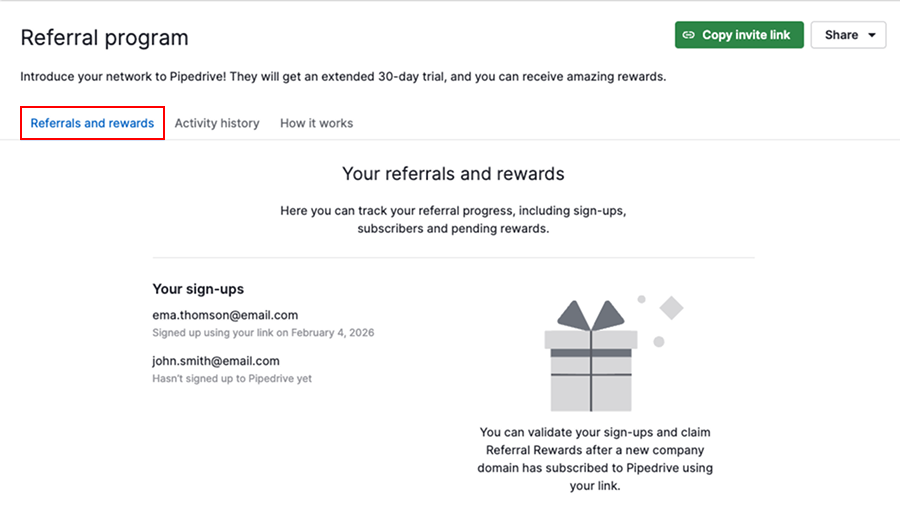
You can monitor all your referral activity from the referrals and rewards tab. Here you can see:
- Invites you’ve sent
- Which invitees have signed up
- Which companies have become subscribers
- Rewards that are in progress or ready to be claimed
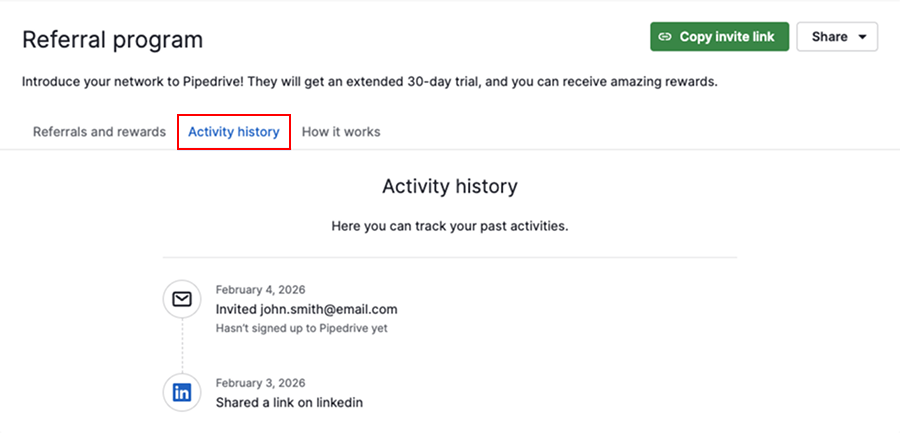
In the activity history tab, you can view how the referral links have been shared and with whom.
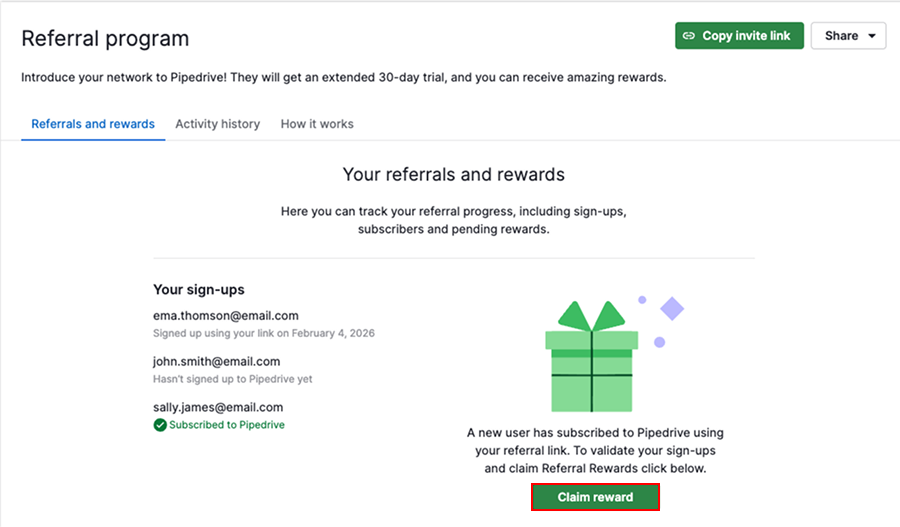
When you receive a referral reward
After your invitee subscribes, their payments to Pipedrive are tracked automatically. Once their total payments exceed $100, your referral reward becomes available to claim.
Rewards
You can receive your reward as either an Amazon gift card or a PayPal credit.
To get started, open the referrals and rewards tab and click “Claim reward”.
Then, select the reward and provide details on how you’d like to receive it.
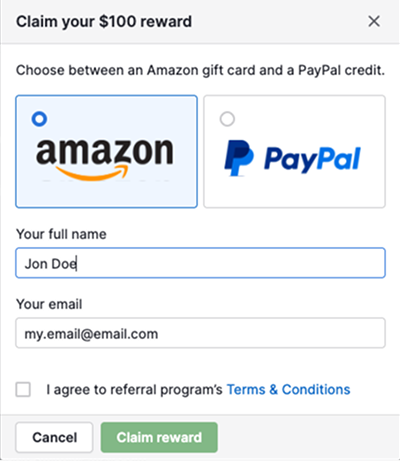
Click “Claim reward” once again to submit your request.
Was this article helpful?
Yes
No