Pipeline view: how to switch pipelines
JT
Last updated: September 3, 2026
The pipeline view gives you an overview of your current deal progress. It shows your deals organized by stage, helping you track their progress through your sales process.
If your team manages multiple sales processes, you can create and switch between different pipelines to keep your work organized.
Switch pipelines in the pipeline view
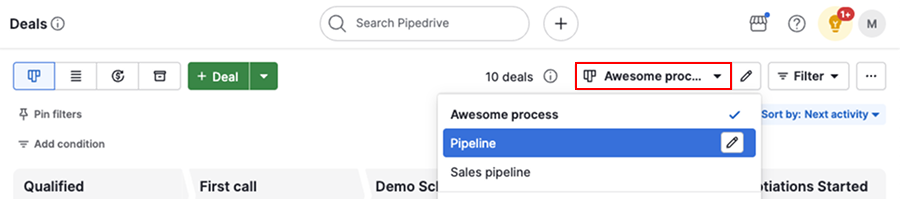
Go to the pipeline view, then click the pipeline selection dropdown. From there, select the pipeline you want to view from the list.
Note: Some pipelines may be hidden due to pipeline visibility settings. Only users with account settings access can view and update pipeline visibility. Learn more about global user management.
Was this article helpful?
Yes
No