Campaigns: mandatory double opt-in
Campaigns supports both single and double opt-in. However, in some instances, we may require you to strictly use double opt-in contacts for your email marketing campaigns to ensure email compliance.
Why is double opt-in required in some cases?
Using Campaigns means sending out email campaigns from Pipedrive’s shared infrastructure. Our infrastructure ensures emails reach recipients‘ inboxes and prevents them from bouncing.
Since double opt-in contacts rarely affect email delivery reputation, we require some businesses to use them to protect our shared infrastructure.
Account limitations
Our Email Compliance team investigates each case before limiting a company‘s account, and won’t restrict a company‘s account to double opt-in contacts if they haven‘t identified any risks.
The Email Compliance team might limit a Campaigns account if:
- The company is in a prohibited content category
- The company sent campaigns that blocked Pipedrive‘s infrastructure
- The company sent campaigns that caused our shared infrastructure to be flagged as spam
- The company attempted to send campaigns to non-opted-in contacts
- The company attempted to send campaigns to poor-quality email addresses or failed to perform email database hygiene in the last 3-6 months
- The company didn‘t follow Pipedrive‘s sent email delivery improvement recommendations
Notification of limitation
If your company account is limited, users with send campaign permissions will receive an email notification from the Email Compliance team outlining the reason for the limitation, similar to the example below:
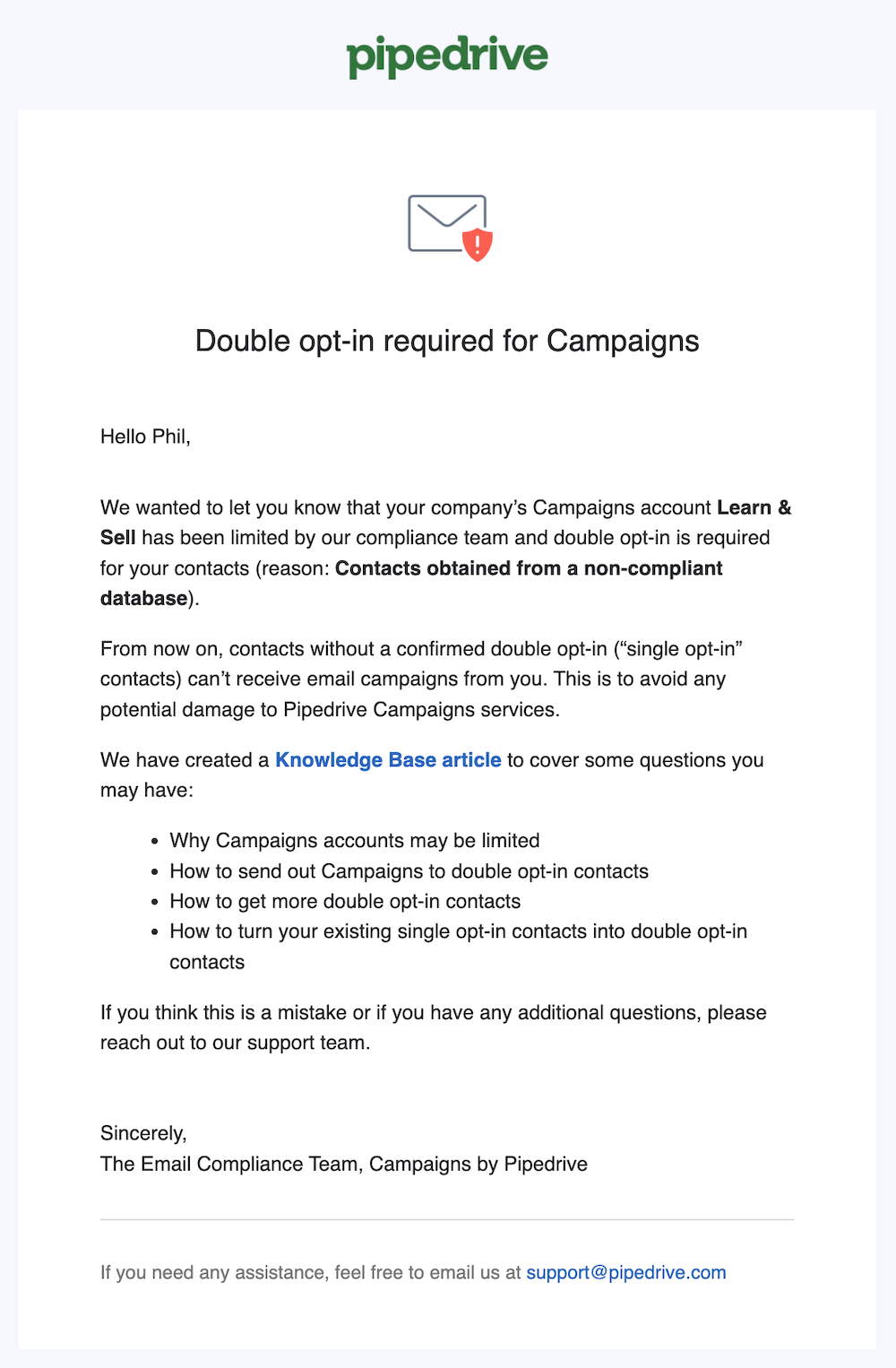
Additionally, they‘ll see a warning badge next to the “View recipients” button when creating a new email campaign.
How can I remove the double opt-in limitation?
If your account has been limited to use only double opt-in contacts and you‘d like this limitation removed, reach out to our support team for further instructions.
Was this article helpful?
Yes
No