Security rules access restrictions
If you see any of the following access restriction prompts or errors when trying to log in to Pipedrive, it means a user with access to account settings has set up security rules to restrict user access to your company account. We recommend reaching out to a user with account settings access for more information on these restrictions.
Two-factor authentication verification
Email verification
When the two-factor authentication security rule is applied with email verification, all users will receive a verification notice the next time they try to log in to Pipedrive.
For web browser logins, the email will include a verification link:
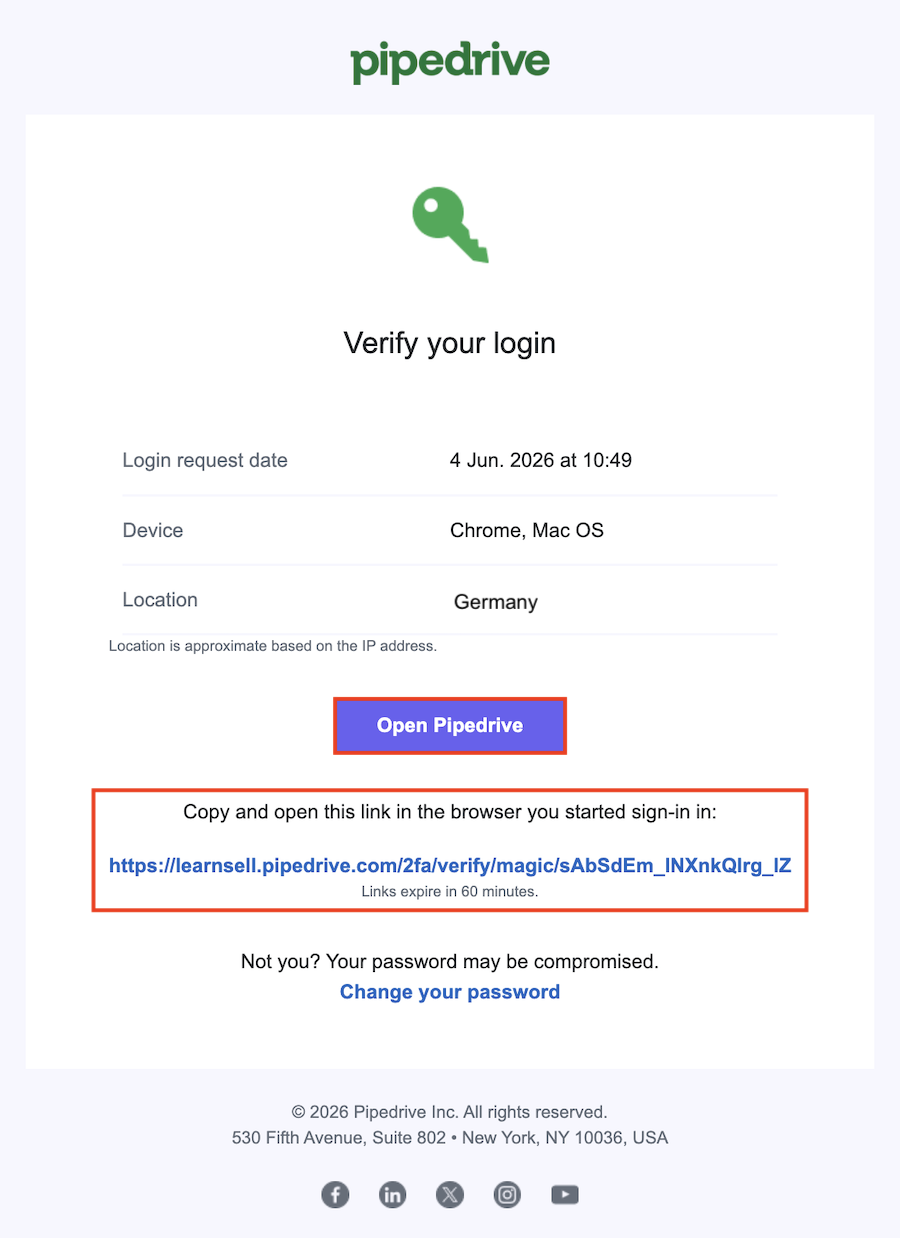
Click “Open Pipedrive” or copy and paste the link in the same browser you started the sign-in process in.
For mobile app logins, the user will receive a one-time verification code.
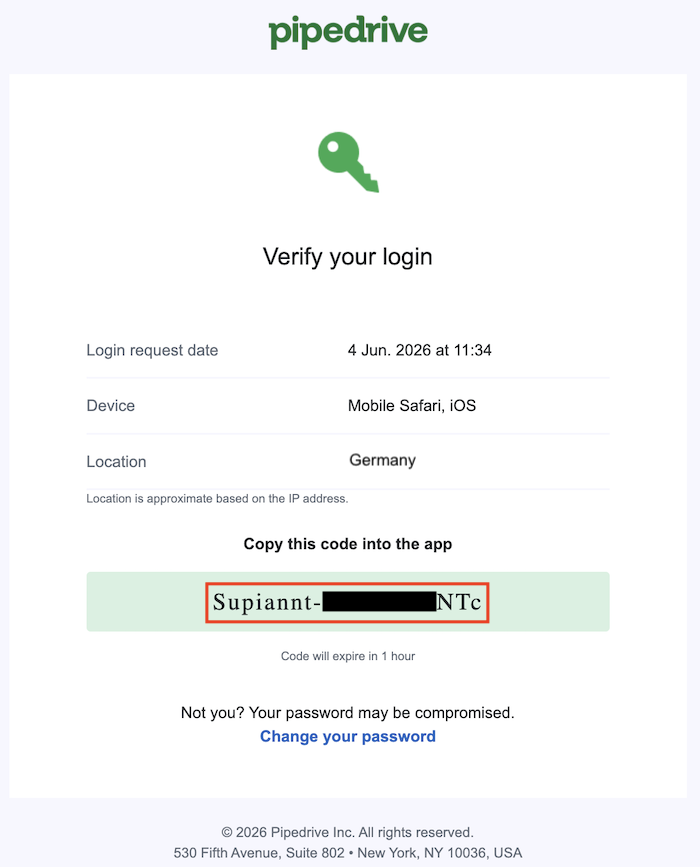
Copy the code you receive in the email and paste it into the mobile app to complete the verification.
Authenticator app
If you enable the authenticator app for an extra layer of security on your account, only users with access to that app can view the verification codes required to log in, further protecting your account against unauthorized access.

Password strength requirements
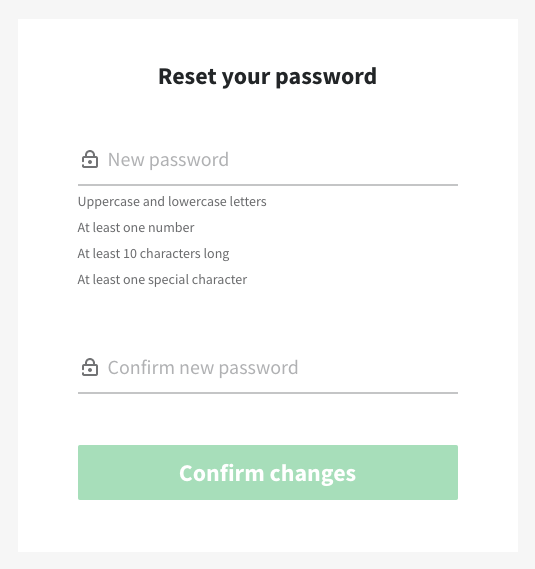
If a password strength rule is set up, all admin and regular users will be prompted with a Reset your password window according to those rules, the next time they try to log in to Pipedrive:

Password expiration and reuse
Once a user with account settings access sets up any password expiration and reuse rule, all users will be prompted to reset their password according to those rules the next time they try to log in.

Depending on the condition set up under Password expires, you’ll be brought to a Reset your password window after that time frame passes.
If the new password entered does not fulfill the requirement set up under Password reuse, you’ll see an error such as “New password cannot be the same as the current password” or “New password cannot be the same as previous password”, depending on the condition set up.

Advanced rules
Advanced rules and restrictions will be applied to all users without access to account settings when trying to access Pipedrive outside the specified time frame or location.

If an IP address restriction is set up, a user who tries to log in to Pipedrive from a location not specified will see this access-restricted notice when trying to log in:

If a time range access restriction is set up, a user who tries to log in to Pipedrive from outside of the time frame will see this access-restricted notice when trying to log in:

Was this article helpful?
Yes
No