How does pricing work in Pipedrive?
Pipedrive offers four pricing plans to fit teams of any size: Lite, Growth, Premium and Ultimate. You can further customize your subscription with optional add-ons and top-ups.
To view and edit your current subscription, open the account menu in the top-right corner and go to Billing.
Pipedrive plans and billing cycles
To change your plan, click “Manage subscription”, then select “All plans” to see all available options.
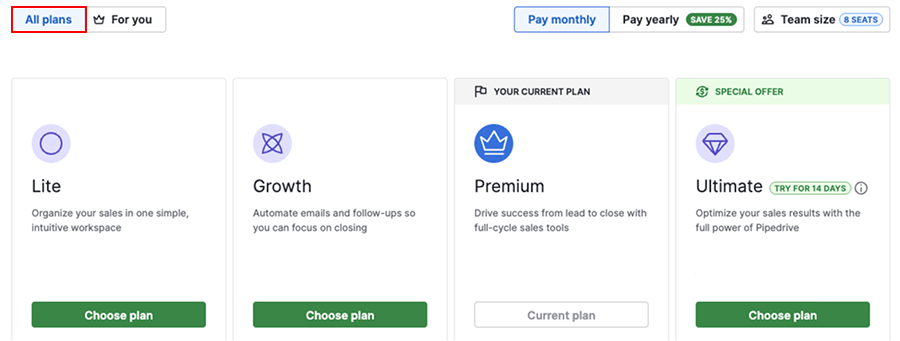
Once you’ve chosen your plan, select your preferred billing cycle in the same view:
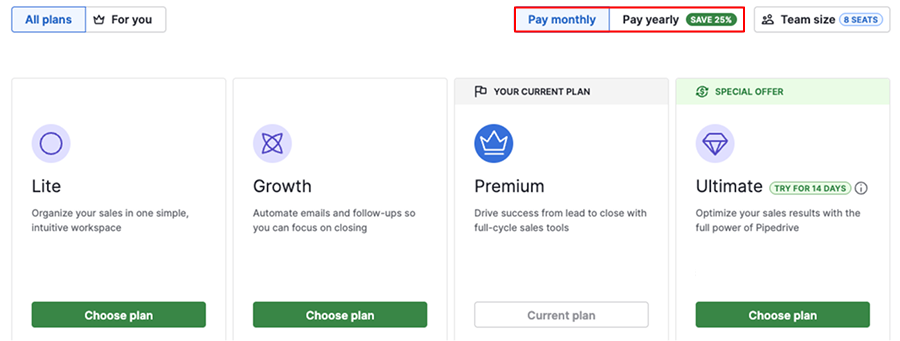
Here’s how the billing cycles differ:
Billing cycle |
Description |
|---|---|
Monthly |
You’ll pay on the same day each month |
Annual |
You’ll pay upfront for the entire year and receive a discount |
Add-ons
You can enhance your plan with optional add-ons that provide access to additional tools like prospecting, document management and email marketing. Add-ons are billed according to the billing cycle of your selected plan.
Add-on |
Lite |
Growth |
Premium |
Ultimate |
|---|---|---|---|---|
Add-on |
Add-on |
Included |
Included |
|
Add-on |
Add-on |
Included |
Included |
|
Add-on |
Add-on |
Included |
Included |
|
Add-on |
Add-on |
Add-on |
Add-on |
|
Add-on |
Add-on |
Add-on |
Add-on |
Top-ups
If you’ve reached the limits of your current plan, but don’t want to upgrade, you can purchase top-ups to increase specific usage limits. Top-ups follow your plan's billing cycle.
Top-up type |
Top-up quantity |
Maximum |
Available from |
|---|---|---|---|
|
(max. 100 million per company) | +250,000 | 10 | Growth plan |
|
(max. 300,000 per company) | +25,000 | 10 | Growth plan |
+50 | 10 | Growth plan | |
+50 | 10 | Growth plan | |
Data enrichment credits | +100 | 10,000 | Premium plan |
Prospector credits | +10 | 1000 | Premium plan |
+10 | 10 | Premium plan | |
+10 | 10 | Premium plan | |
+10 | 10 | Premium plan |
What affects your total subscription cost
Your total cost depends on a few key factors:
- Selected plan – Each plan (Lite, Growth, Premium, Ultimate) has its own base price per seat
- Billing cycle – You can choose between annual or monthly billing
- Number of seats – You’re charged per seat, whether it’s assigned to a user or not. Learn more about seats and users.
- Add-ons and top-ups – Optional features and usage extensions that follow your plan's billing cycle
- Currency and location – Your location determines the billing currency and available payment methods
For example, if you’re on the Growth annual plan with four seats and the LeadBooster add-on, your total would be:
4 seats × Growth annual plan price + LeadBooster add-on price
Was this article helpful?
Yes
No