How can I re-authenticate my email sync in Pipedrive?
If Pipedrive loses access to your connected email account, you’ll see a notification that your email sync has stopped.
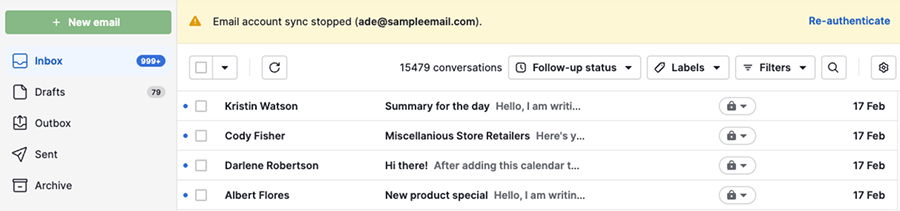
This usually happens after you update your email provider’s login credentials or change its server settings.
How to re-authenticate your email sync
To restore the connection, you’ll need to re-authenticate your account.
You can click “Re-authenticate” directly from the notification.
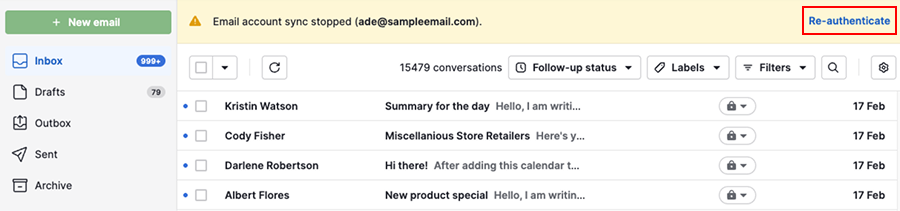
Alternatively, you can open the account menu in the top right corner and go to Personal preferences > Email sync and click “Re-authenticate”.

You’re then asked to enter your email credentials again and grant Pipedrive access to your email account.
After you finish, Pipedrive reconnects your email. You can send and receive emails from Sales Inbox and detail views again. Your previous email history remains unchanged.
Was this article helpful?
Yes
No