What are the accepted payment methods for Pipedrive?
You can manage your company’s payment method directly from your Pipedrive account.
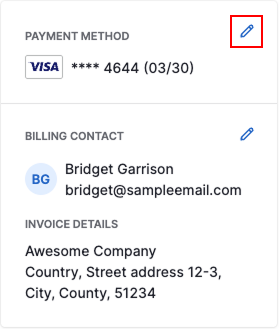
Open the account menu in the top right corner and go to Billing. From there, click the pencil icon next to the payment method to update it.
Payment Methods
Pipedrive offers several payment options for your subscription, so you can choose the one that works best for your company.
Available payment methods include:
- Credit or debit card
- PayPal
- Direct debit
- Local credit or debit card (Brazil)
Supported currencies
The currency charged for your Pipedrive invoices is determined by your billing country, as shown below.
Billing location |
Currency charged |
|---|---|
Australia | AUD |
Canada | CAD |
European countries and Turkey | EUR |
United Kingdom | GBP |
All other locations |
USD |
Pay with a credit or debit card
Paying by credit or debit card is the most common way to subscribe to Pipedrive and is available in most regions.
Pipedrive accepts all major credit and debit cards, including:
- Visa
- MasterCard
- American Express
- Discover
- JCB
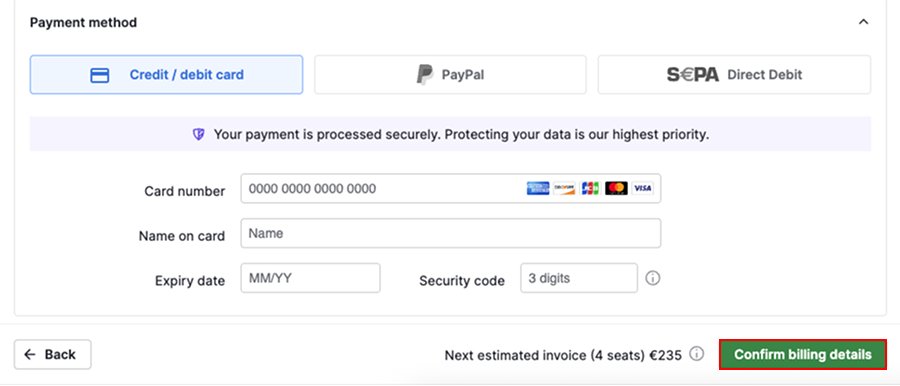
To use a credit or debit card, select credit/debit card, enter your billing details and click “Confirm billing details” to complete the setup.
Pay with PayPal
PayPal lets you pay for your Pipedrive subscription using your PayPal balance or a payment method linked to your PayPal account.
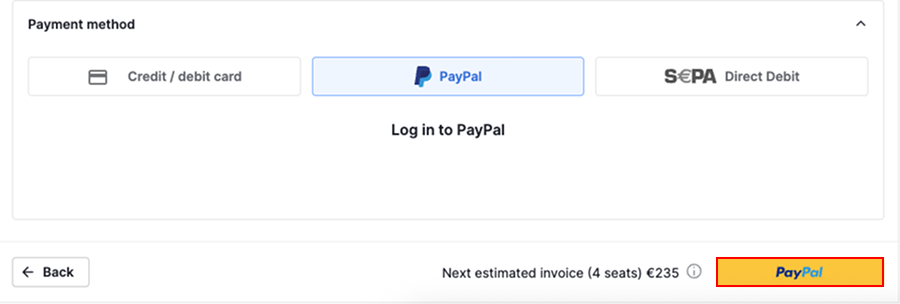
To pay with PayPal, select PayPal as your payment method and click “PayPal” to log in to your account.
In the PayPal checkout, review the subscription details and select “Agree and Continue” to approve recurring payment.
Once the checkout is complete, you’ll return to your Billing page in Pipedrive. You’ll see a confirmation message with your selected plan and the date of the first charge.
Pay with direct debit
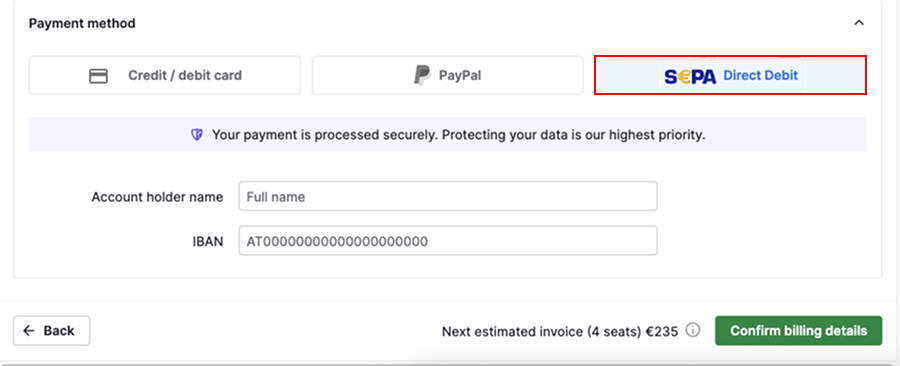
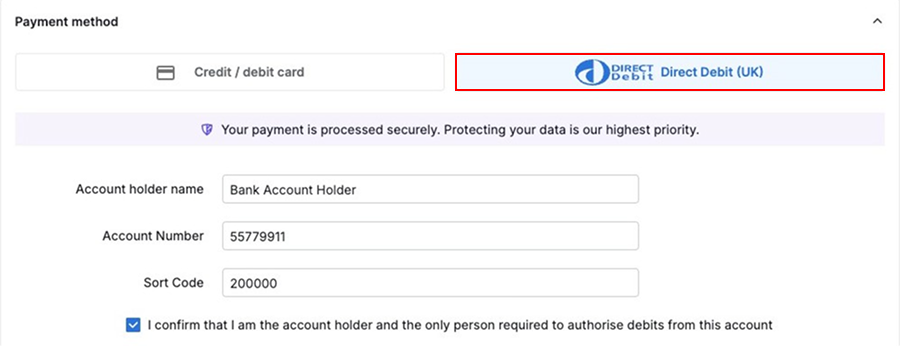
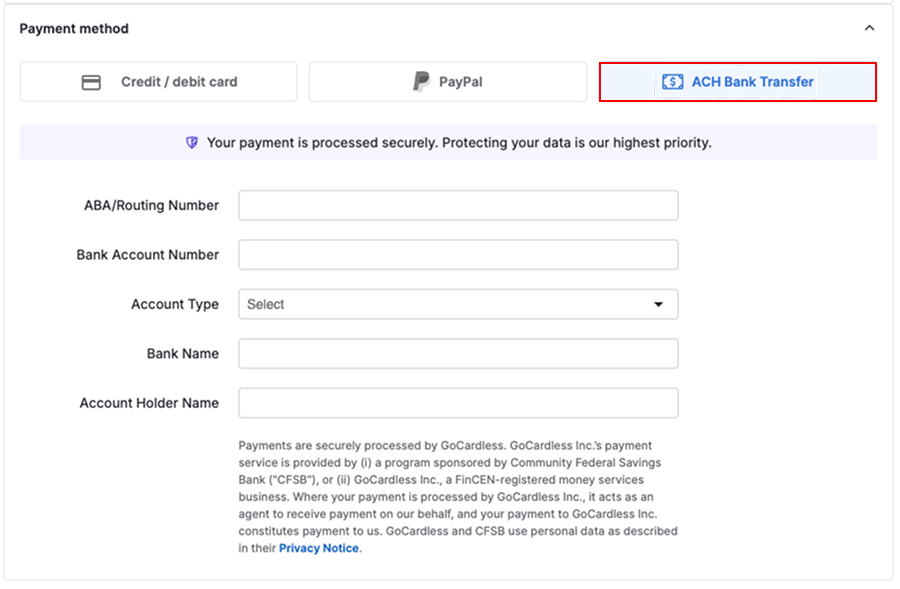
Direct debit lets you pay for your Pipedrive subscription directly from your bank account and is available in selected European countries, the United Kingdom and the United States.
Three direct debit schemes are supported:
- SEPA – used for payments in Euros
- BACS – used for payments in Great British pounds
- ACH – used for payments in United States dollars
Direct debit is available in the following regions:
| Supported regions | |
|---|---|
| SEPA | Åland Islands, Austria, Belgium, Cyprus, France, French Guiana, Germany, Guadeloupe, Ireland, Italy, Luxembourg, Malta, Martinique, Mayotte, Monaco, Netherlands, Portugal, Réunion, San Marino, Slovenia, Spain, Saint Pierre and Miquelon |
| BACS | United Kingdom |
| ACH | United States |
When you select direct debit during checkout, you’ll be asked to review and accept the direct debit mandate before completing your purchase.
Pay with a local credit or debit card (Brazil)
If your company is based in Brazil, you can also pay for your Pipedrive subscription using a local credit or debit card.
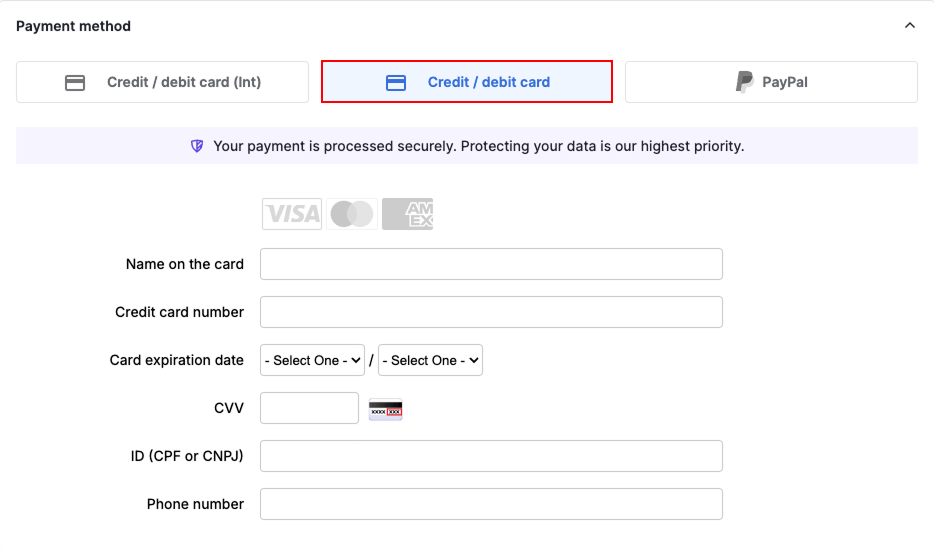
To learn more about how local card payments work in Brazil, see this article.
Was this article helpful?
Yes
No